
Android 10 (no more dessert naming, from now on the versioning will stick with numbers) has just been released after 6 beta versions:

The official rollout to Pixel devices will start soon. Many manufactures will begin the update on existing devices and/or deliver new devices in the coming months/quarters.
You can find a list of highlights in this major version here https://developer.android.com/about/versions/10/highlights
Please update your current apps for compatibility as soon as possible:
- Install your app on Android 10: Install your current app from Google Play onto a Pixel or other device running Android 10 or an emulator, then test. Your app should look great and run well, with full functionality, and handle all of the Android 10 behavior changes Watch for impacts from privacy changes, gesture navigation, changes to dynamic linker paths for Bionic libraries, and others.
- Test with the Android 10 privacy features, such as the new location permissions, scoped storage, restrictions on background activity starts, changes to data and identifiers, and others. See the checklist of top privacy changes to get started, and review the privacy changes doc for more areas to test.
- Test for uses of restricted non-SDK interfaces and move to public SDK or NDK equivalents instead. Details here.
- Test the libraries and SDKs in your app: If you find an issue, try updating to the latest version of the SDK, or reach out to the SDK developer for help.
- Update and publish your compatible app: When you’ve finished your testing and made any updates, we recommend publishing your compatible app right away. This lets Android Beta users test the app now, and helps you deliver a smooth transition to users as they update to Android 10.
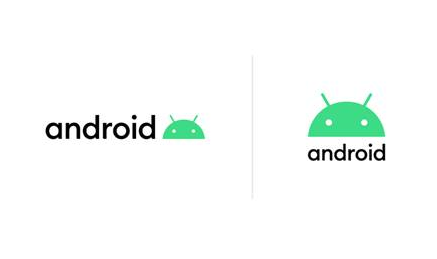
Also, a refreshed look on Android logo and brand color is coming with:
Comments
0 comments
Please sign in to leave a comment.